One workspace for browsing, converting, inspecting, automating and securing files.
A complete look at what lives inside FilenQ. Everything runs natively on your Mac — no Electron, no web wrapper, no cloud upload.
Native file workspace
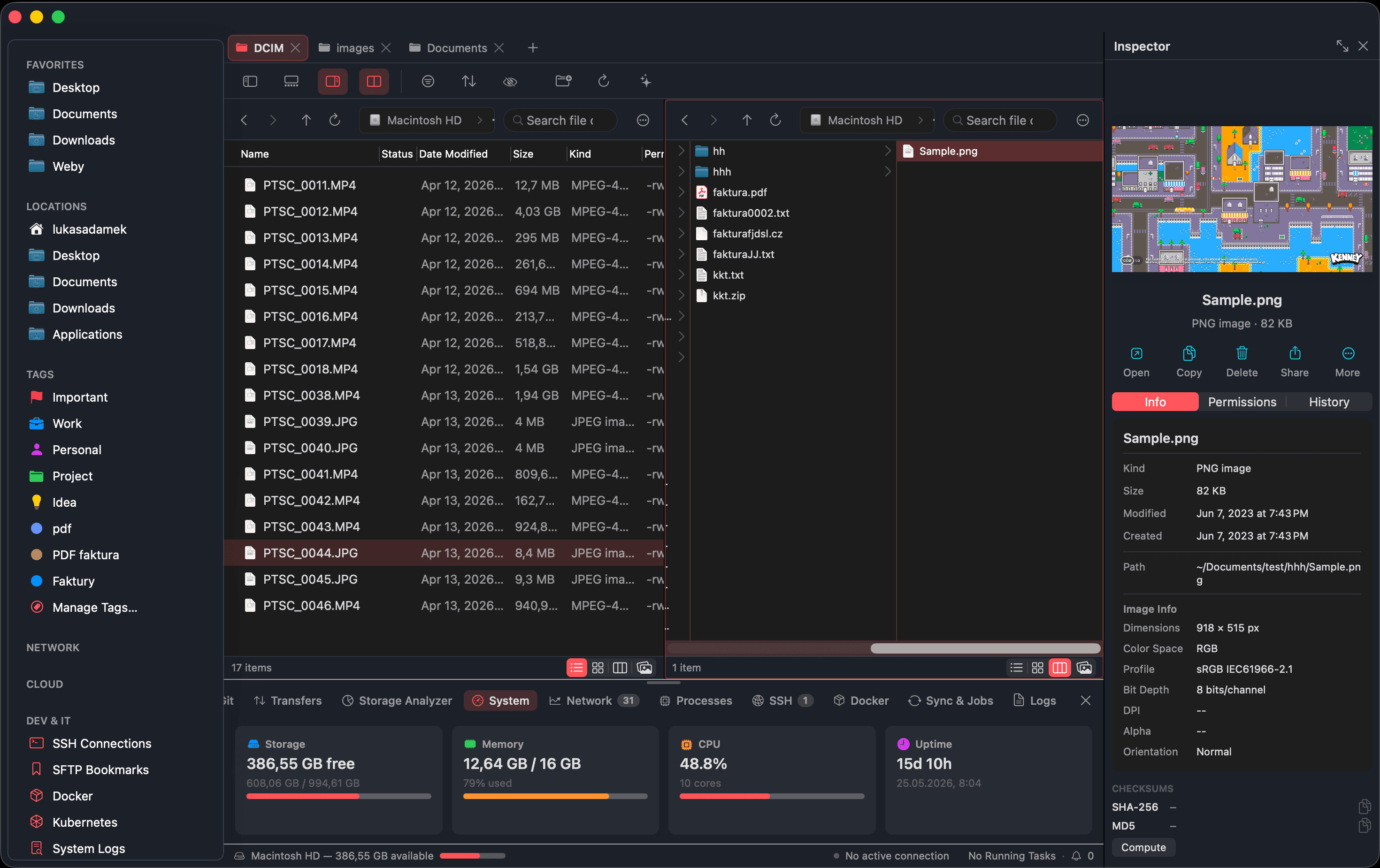
Move through your filesystem the way a power user expects — many places open at once, every view remembered.
8 capabilities · tap any to expand
File operations
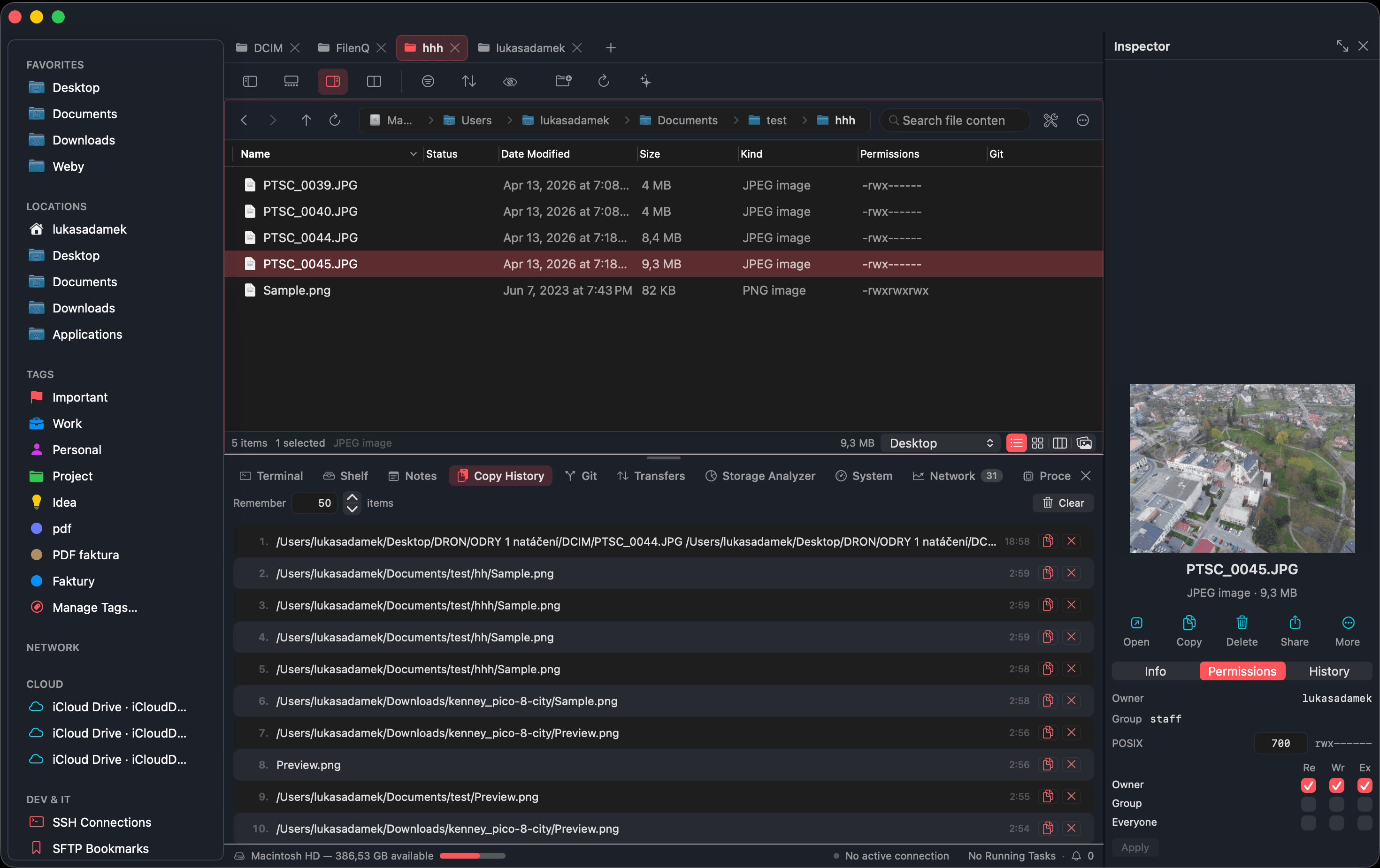
Heavy file work, handled calmly — with a queue, conflict handling and a way back when something goes wrong.
7 capabilities · tap any to expand
Productivity & staging
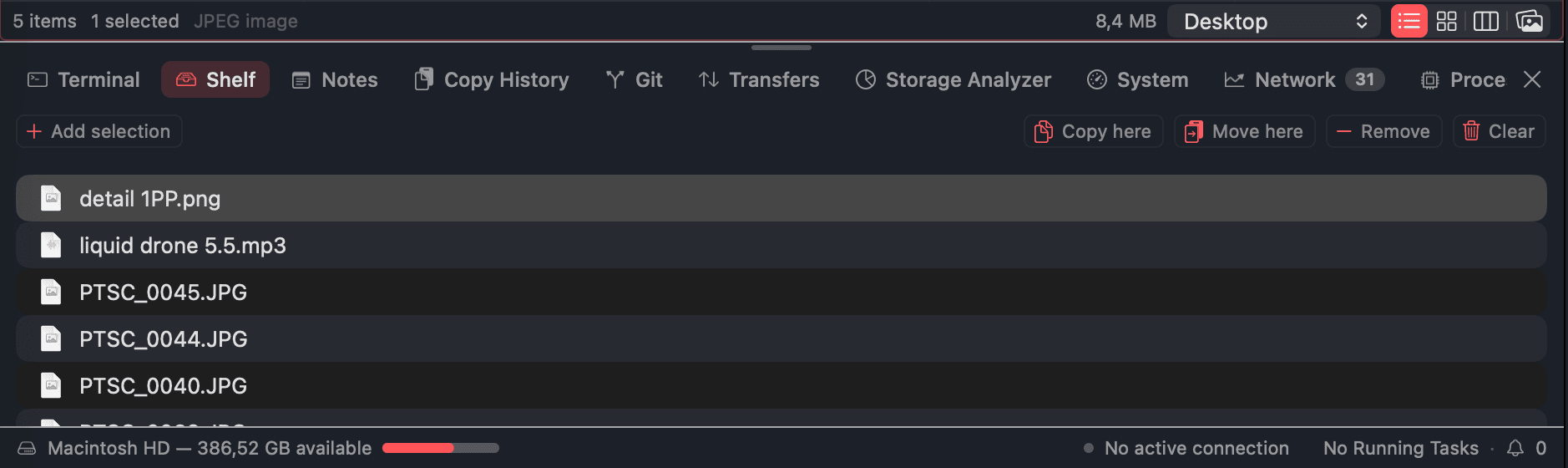
The small companions that quietly save you time all day — a shelf, a clipboard memory and a scratchpad, always within reach.
4 capabilities · tap any to expand
Smart rules & automation
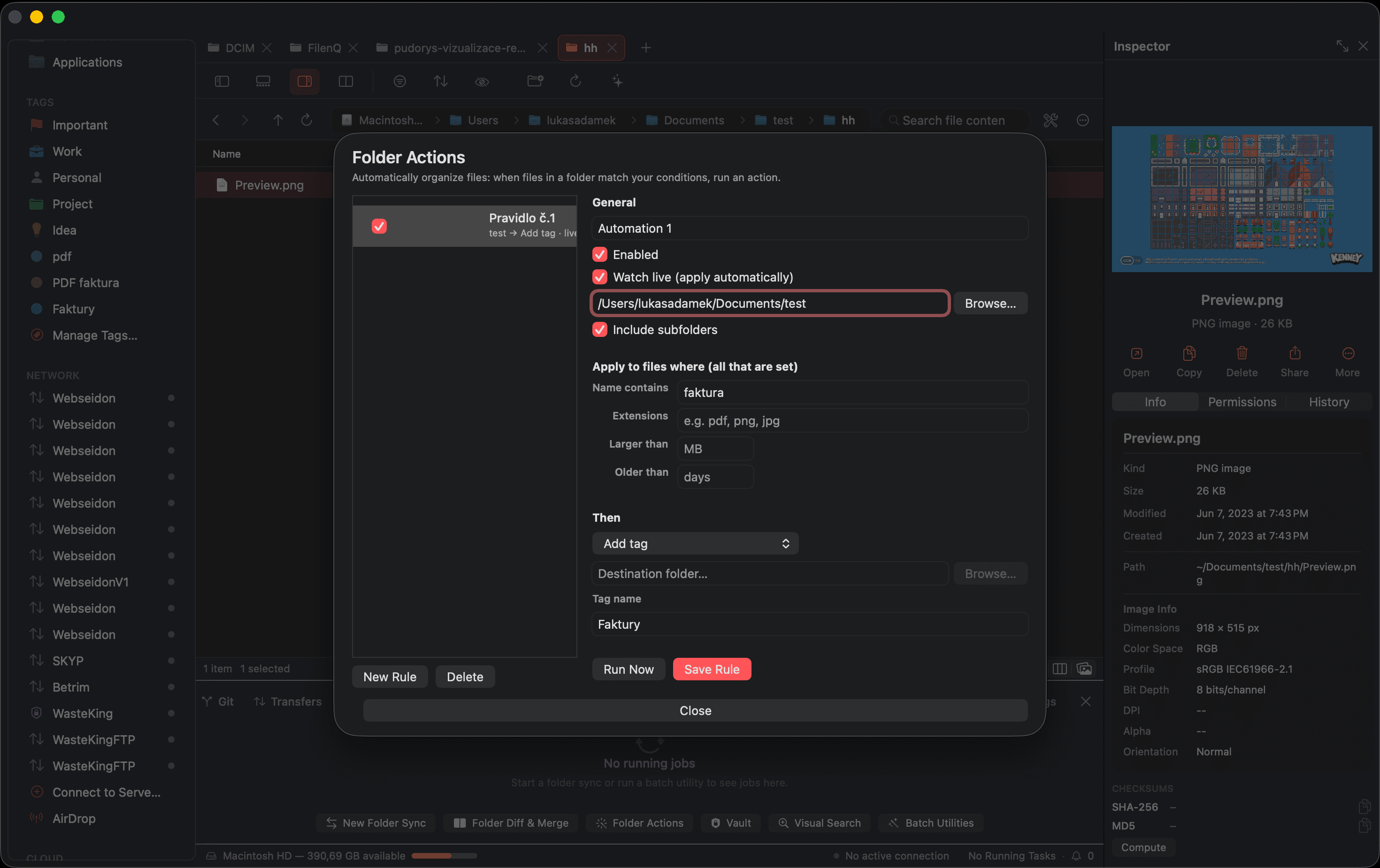
Set up file work once and let FilenQ handle the repetition — rules that watch folders, tags that travel, and pipelines you reuse.
4 capabilities · tap any to expand
Built-in utilities
The tools you normally scatter across a dozen apps — all running locally, inside one panel.
11 capabilities · tap any to expand
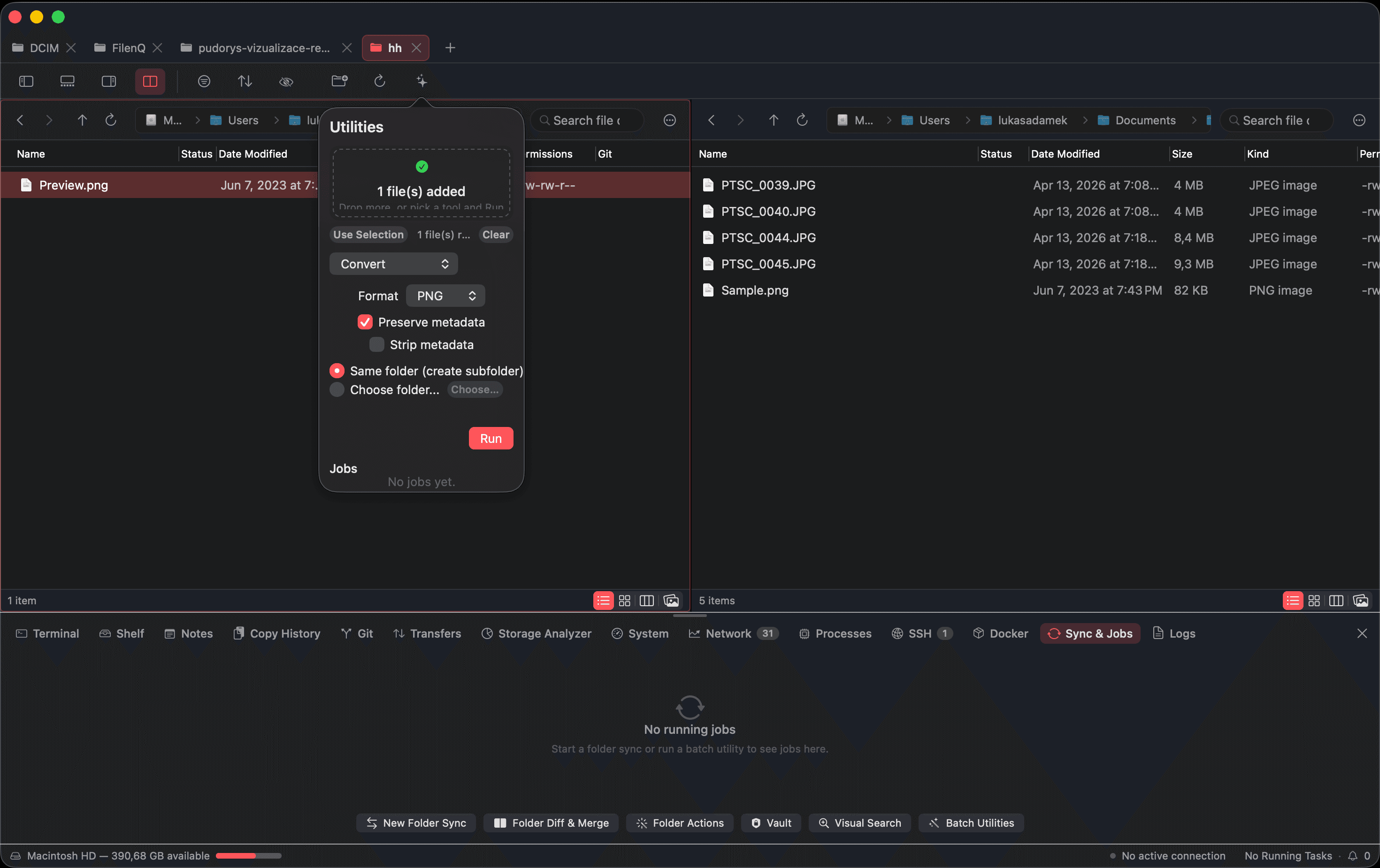
Inspector, preview & editing
Understand and edit a file before you ever open another app. Everything that matters, in one focused panel.
8 capabilities · tap any to expand
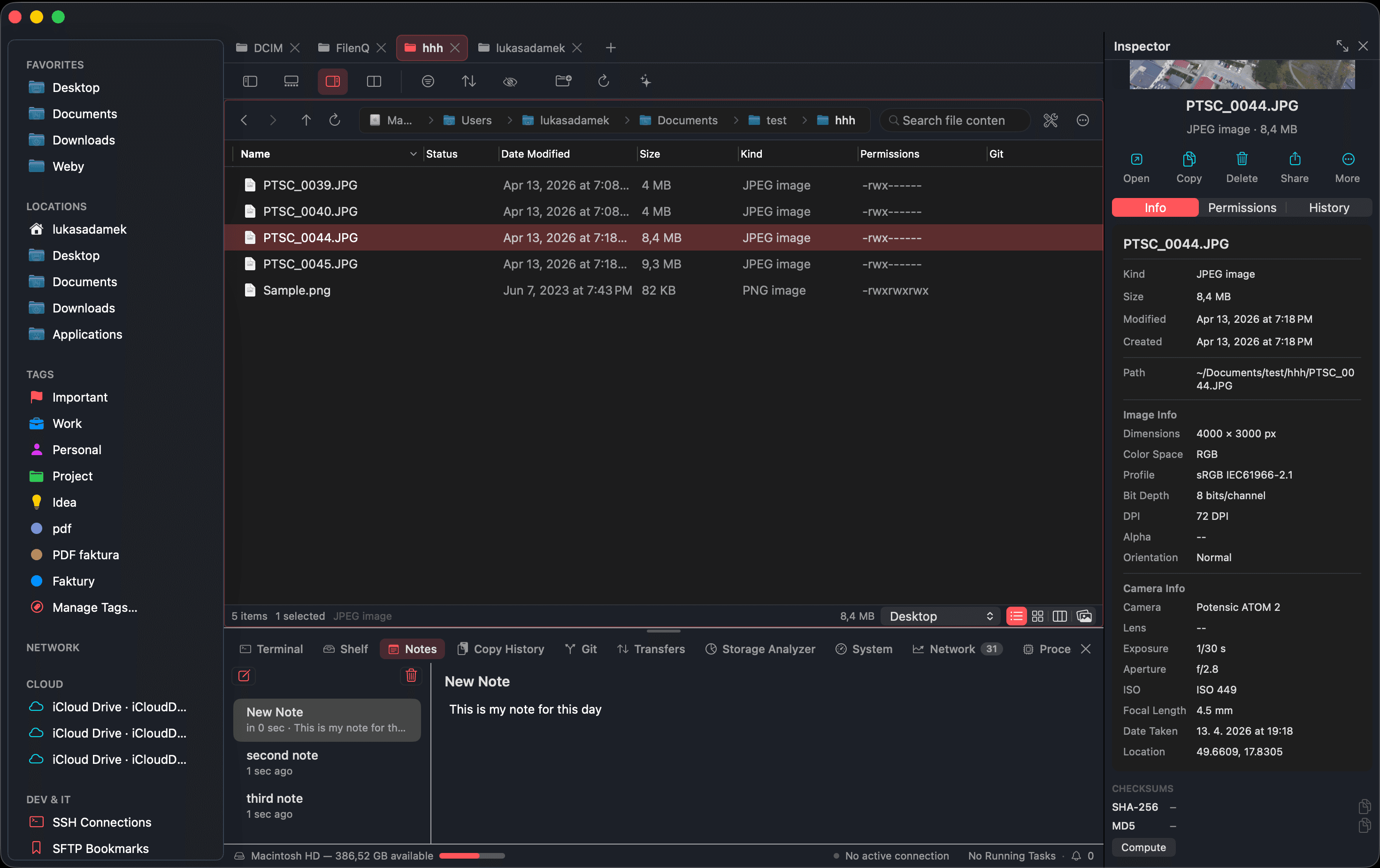
Terminal & commands
A shell that follows your folder, a command palette you don't have to memorize, and a hacker mode that sets itself up.
7 capabilities · tap any to expand
WebAudit
A built-in website audit tool in the bottom toolbar. Point it at any URL and get a full technical report — SEO, performance, security and more — powered by the terminal and auto-installed specialist tools.
7 capabilities · tap any to expand
Remote & cloud
Reach remote storage like it is just another folder, with credentials kept in the macOS Keychain.
6 capabilities · tap any to expand
Customization & shortcuts
Make FilenQ yours — remap every action, save presets, or switch on full vim-style keybindings.
4 capabilities · tap any to expand
Privacy & security
Sensitive work stays on the machine. Encryption and integrity tools use Apple's own frameworks.
7 capabilities · tap any to expand
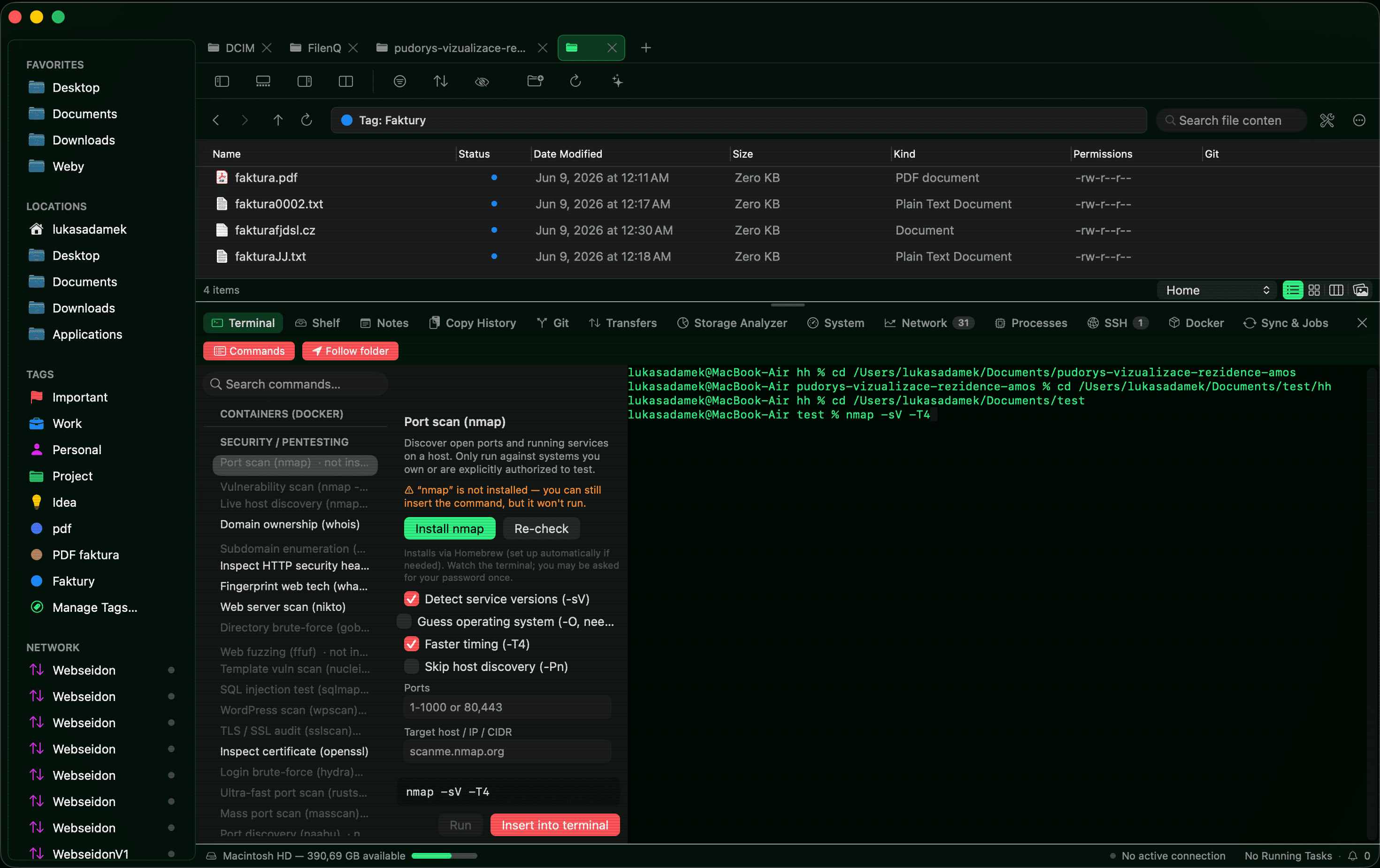
Power tools, up close.
A few more of the panels and editors that live inside the same window — no extra apps, no uploads.
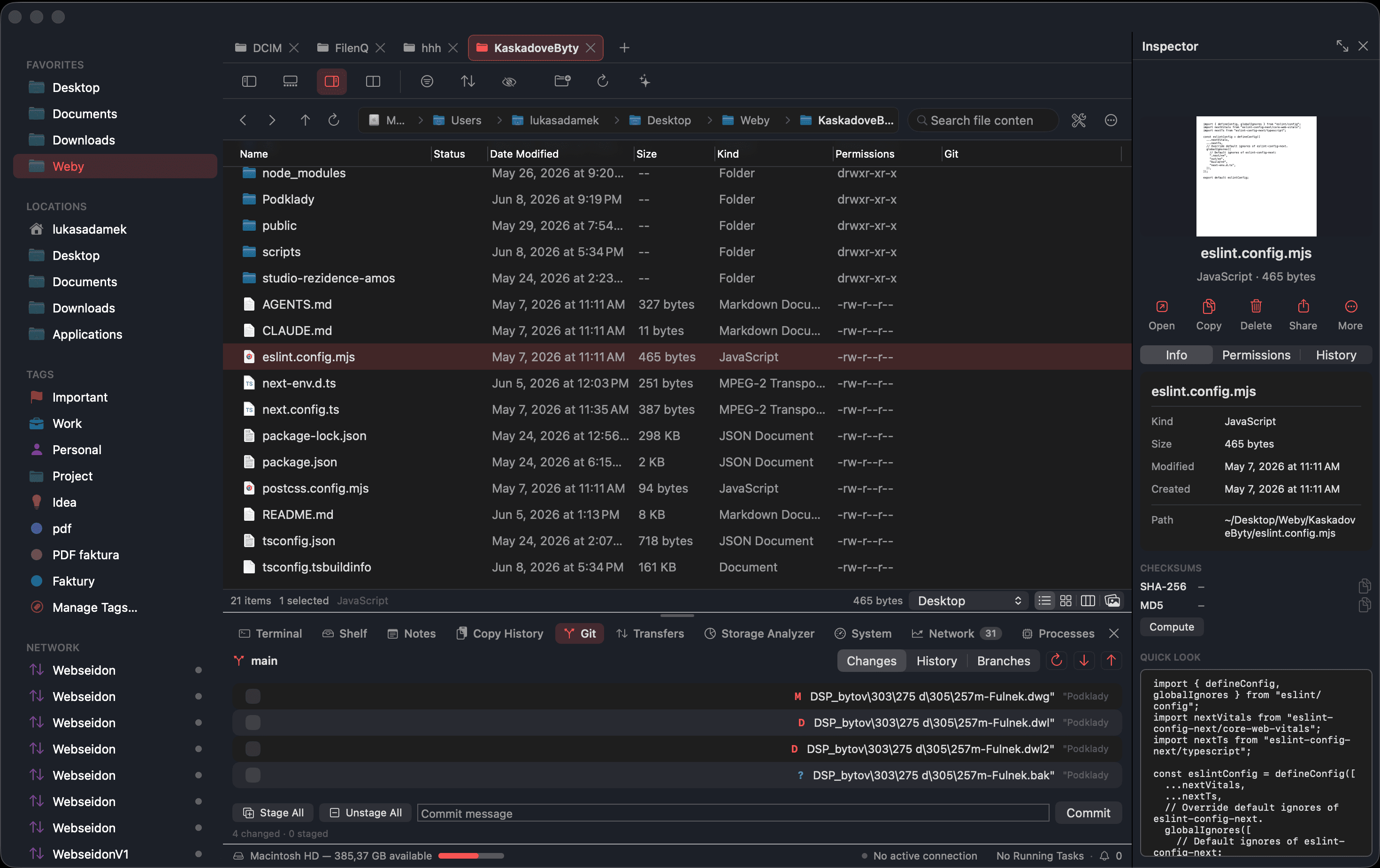
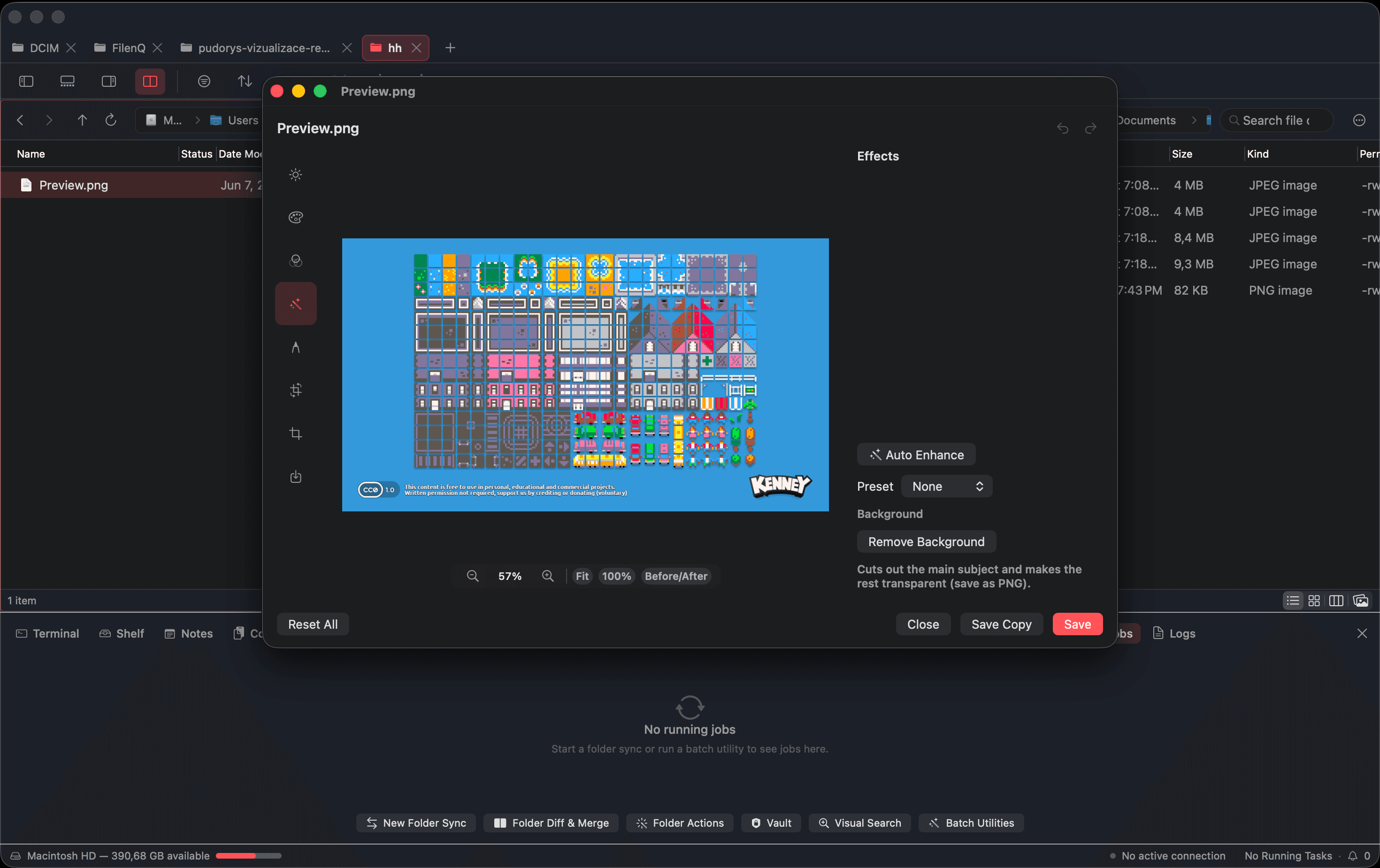
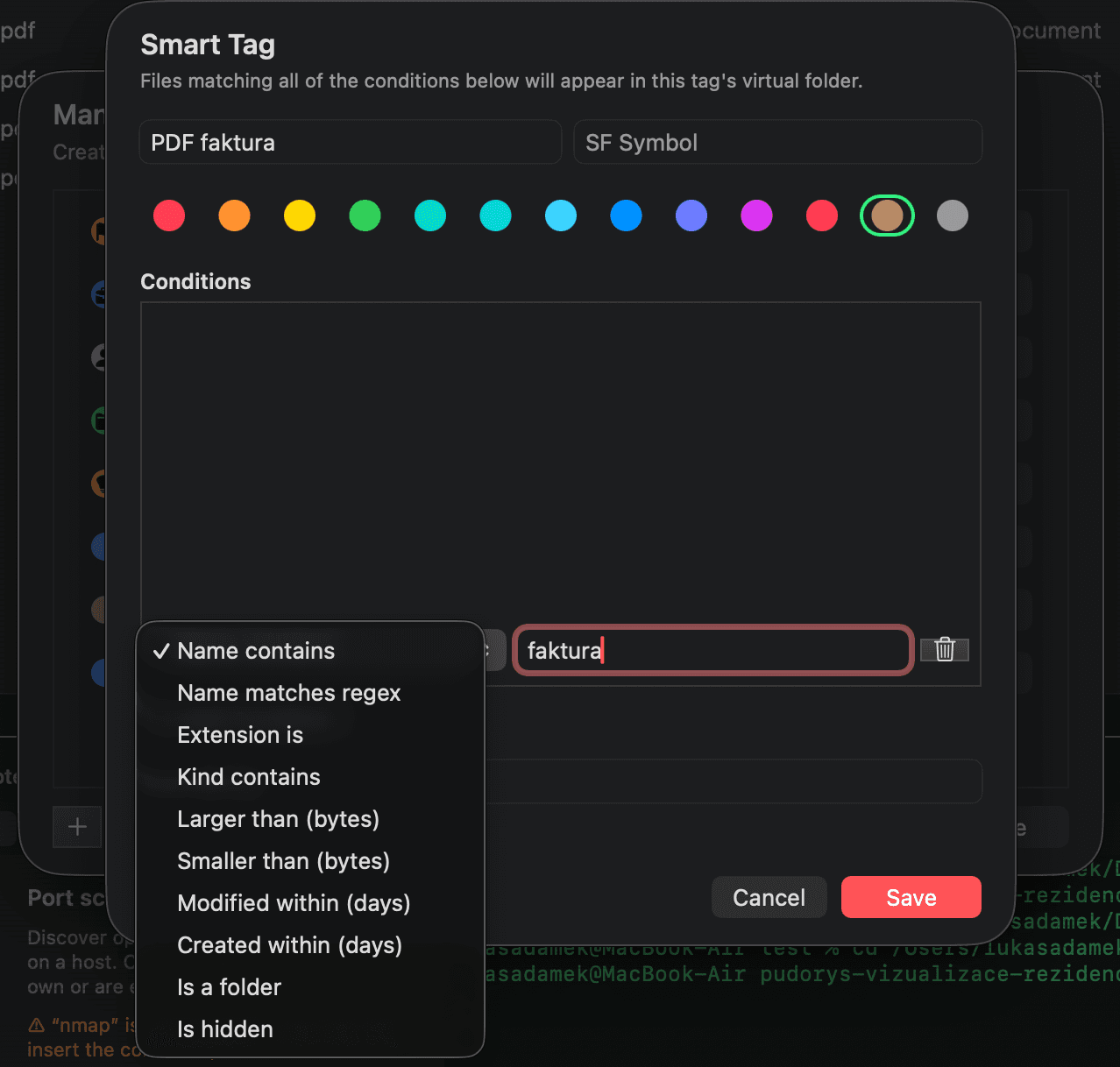
About security command presets
FilenQ includes optional security command presets for authorized testing on systems you own or have permission to assess. Presets include safety prompts and disclaimers for potentially destructive commands. They are an optional tool, not the focus of the app, and are intended for authorized testing only.


Try the whole workspace, free.
Every feature on this page ships in the early-access build. Download it and put it to work today.
macOS 14 Sonoma+ · Your files stay on your Mac. Always.